
Instagram post size in 2026: dimensions for food photos
RestoPhoto Team · October 20, 2026 · 6 min read
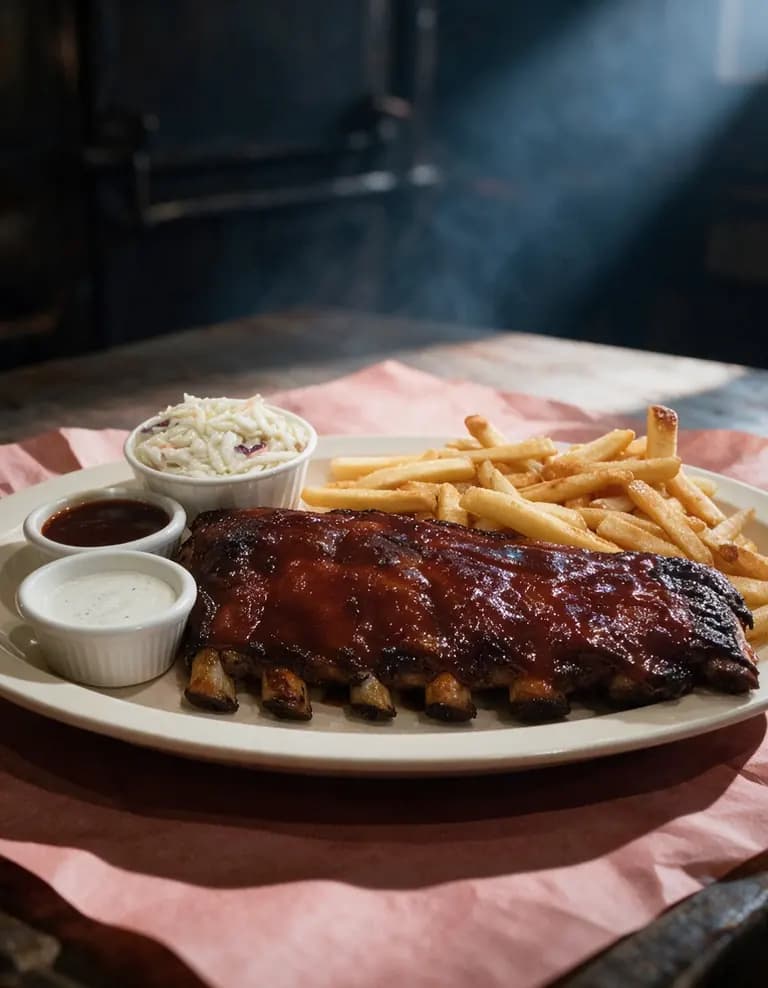
Upload Instagram photos at a width of 1,080 pixels. Instagram keeps any shape from 1.91:1 landscape to 3:4 portrait, so the height can run from 566 to 1,440 pixels. For food, post in portrait: 1080 × 1350 (4:5) or 1080 × 1440 (3:4). Stories use a vertical 9:16 frame, such as 1080 × 1920.
Instagram photo sizes for 2026
| Shape | Ratio | Pixels | Use it for |
|---|---|---|---|
| Tall portrait | 3:4 | 1080 × 1440 | Burgers, layer cakes and drinks, shot low |
| Portrait | 4:5 | 1080 × 1350 | Most plated dishes, shot at about 45 degrees |
| Square | 1:1 | 1080 × 1080 | Pizza, bowls and salads, shot from above |
| Landscape | 1.91:1 | 1080 × 566 | A full table or the dining room |
| Story | 9:16 | 1080 × 1920 | The special of the day or a new dish |
Instagram's Help Center sets the limits for feed photos: up to 1,080 pixels wide and a shape between 1.91:1 and 3:4. The 4:5 and 1:1 shapes also fall inside that range. The Story size follows the 9:16 frame in Meta's ads guide for Stories.
Instagram Help Center: image resolution of photos you share on Instagram
What Instagram does with other sizes
- A photo 320 to 1,080 pixels wide keeps its resolution, as long as its shape stays between 1.91:1 and 3:4.
- A wider photo is sized down to 1,080 pixels wide.
- A photo narrower than 320 pixels is enlarged to 320 pixels, and it loses sharpness.
- A shape outside 1.91:1 to 3:4 is cropped to a supported ratio.
Crop the photo yourself before you post. Then you decide what stays in the frame, and Instagram has nothing left to cut.
Choose the shape by the dish
At the same width, a portrait post is taller than a square one, so it fills more of the screen. Use portrait for most dishes. Then match the shape to the height of the food and to your camera angle.
- Burgers, sandwiches, layer cakes and drinks in tall glasses: shoot low and post at 3:4 or 4:5.
- Steak, ribs, pasta and most plated mains: shoot at about 45 degrees and post at 4:5.
- Pizza, poke bowls and salads: shoot from above and post at 1:1 or 4:5.
- Brunch spreads and shared tables: shoot from above at 4:5, or go landscape for a long table.
- Stories: hold the phone upright and keep the dish in the middle of the screen.
iPhone food photography settings: a guide for restaurant owners
Leave space around the plate
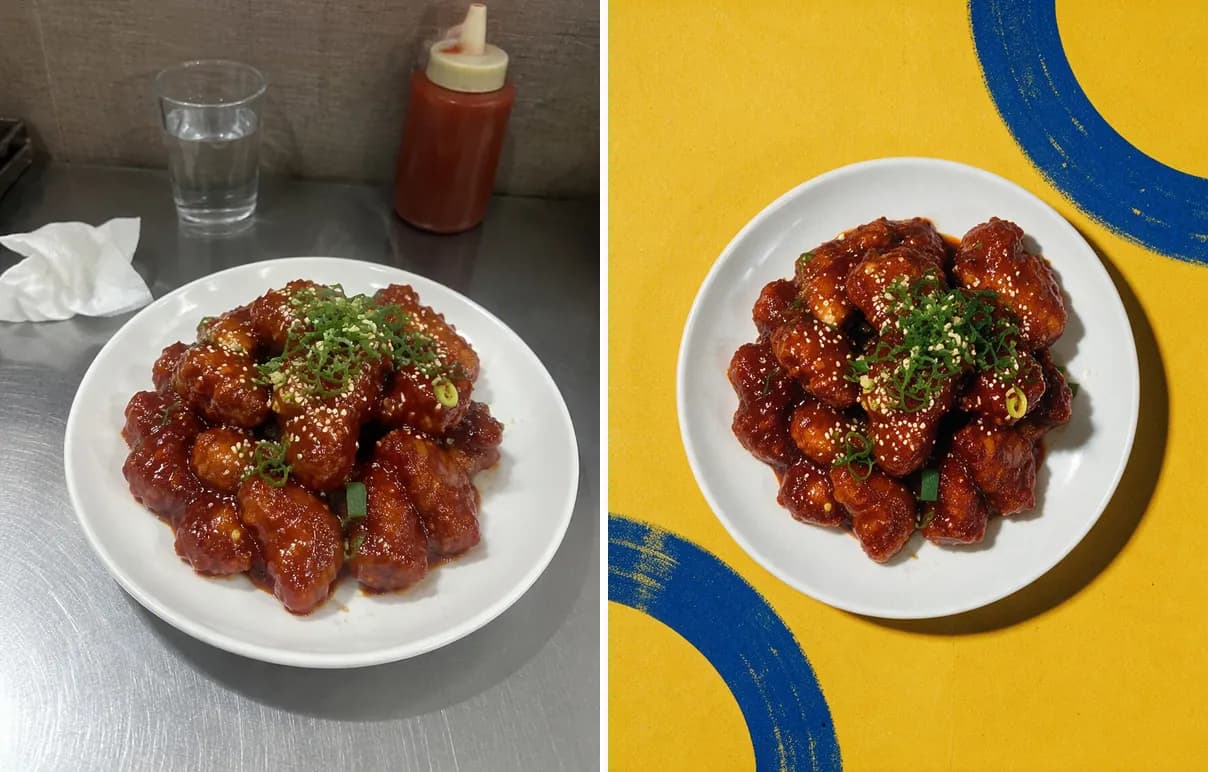
Your post also shows up as a small tile on your profile grid. The tile can cut off the sides of a landscape post. Keep the plate in the middle of the frame, with free space on every side. Then even a cropped preview shows the whole dish.
Posts with several photos
One post can hold up to 20 photos and videos. The orientation you choose (square, portrait or landscape) applies to all of them. Instagram does not let you set a different orientation for a single photo.
Shoot every dish for one post in the same orientation. Put your best dish first. The feed shows the first photo, and people swipe to see the rest.
Instagram Help Center: share a post with multiple photos or videos
Stories: a 9:16 frame with clear edges
A Story fills the phone screen in a vertical 9:16 frame. Meta's ads guide for Instagram Stories recommends 1440 × 2560 pixels. A 1080 × 1920 photo has the same shape and works for everyday Stories.
Instagram puts your account name at the top of a Story and a reply field at the bottom. Keep the dish and any price away from both edges. For Stories ads, Meta suggests keeping about 14% of the top and 35% of the bottom free of text and logos.
Meta Ads Guide: image specs for Instagram Stories
Check four things before you post
- Crop the photo to its final shape on your phone.
- Open the photo's info panel and check that it is at least 1,080 pixels wide.
- Update the Instagram app to its latest version.
- After you share, open your profile and look at the new tile.
Get every shape from one phone photo
RestoPhoto starts from a phone photo of the real dish. In the Studio, open Frame proportions. Under Social media, pick Insta Post (4:5), Insta Square (1:1) or Insta Story (9:16). RestoPhoto then builds the photo in that shape, with new light, backdrop and framing. A finished photo takes 1 to 3 minutes.
For Instagram, set Photo quality to 2K. A 2K file is already wider than the 1,080 pixels Instagram keeps, and every plan includes 2K. Growth and Pro add 4K for print and large screens.
The dish stays yours. What changes is the light, the backdrop and the framing. AI can still change small details of a dish, and some styles add props around the plate, so compare the result with your original before you publish.
Try it on one of your own dishes. Your first photo is free, no card.
Try RestoPhoto on one of your own dishes
Not sure a photo is sharp enough? The free Food Photo Checker flags blur, dark exposure and low resolution before you upload.
Free tool: check a food photo before you post it
FAQ
What is the best Instagram post size in 2026?
For food, use 1080 × 1350 pixels (4:5) or 1080 × 1440 pixels (3:4). Both portrait shapes sit inside Instagram's range of 1.91:1 to 3:4, so Instagram does not crop them.
What size is an Instagram Story?
Use a vertical 9:16 frame. Meta recommends 1440 × 2560 pixels for Stories ads, and 1080 × 1920 has the same shape.
Does Instagram crop photos?
Only when the shape falls outside 1.91:1 to 3:4. Instagram then crops the photo to a supported ratio. Crop it yourself first to keep control of the frame.
Can one post mix square and portrait photos?
No. The orientation you choose applies to every photo and video in the post.
Why does my food photo look blurry on Instagram?
Check the width first. Instagram enlarges a photo narrower than 320 pixels, and that makes it soft. Then check focus and camera shake in the original photo.
Try RestoPhoto with your own photo
Upload a dish photo and choose a style. Compare the result with the original before publishing.
Try RestoPhoto