Pricing RestoPhoto
Photo and reel limits renew every month, on yearly billing too. The QR menu comes with Growth and up.
Create new photos within your plan, without booking a separate shoot.
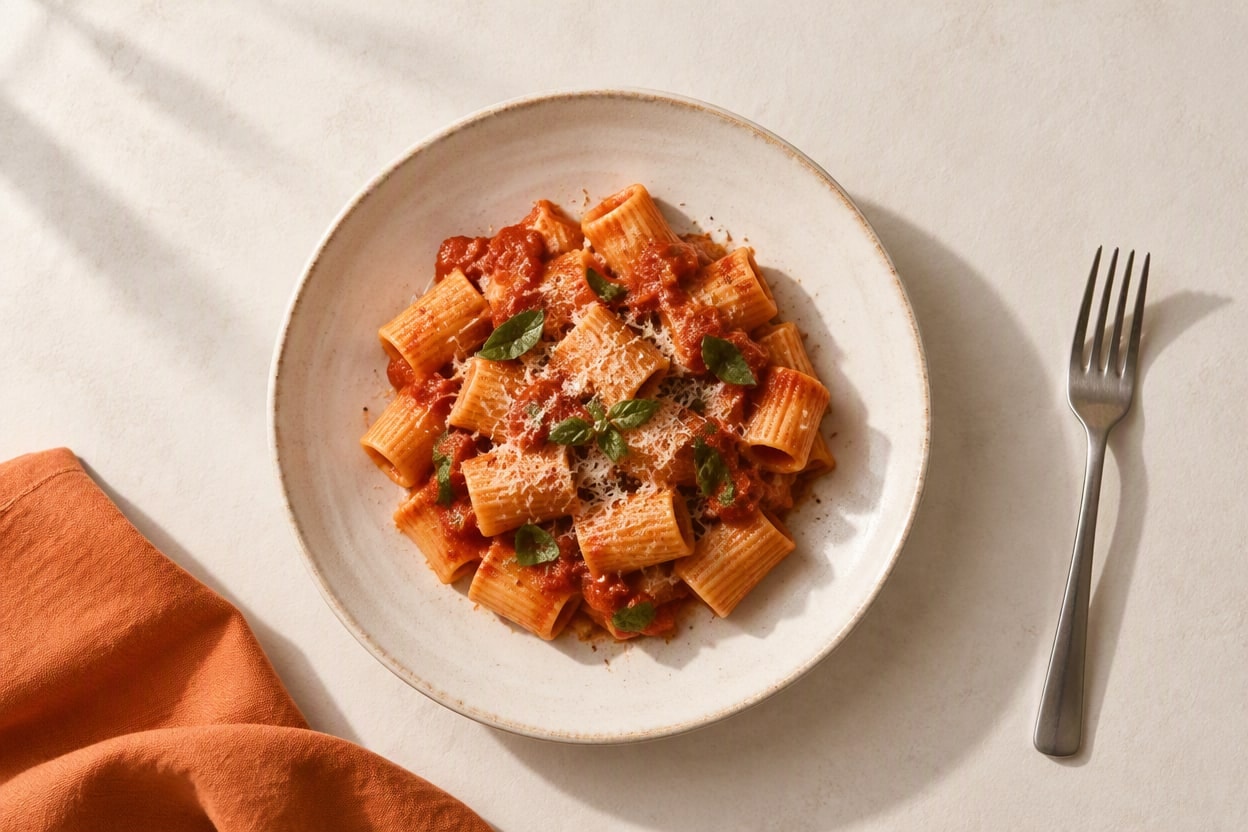
Starter
For food trucks, cafés, and new brands - fresh dish photos without photo session costs.
- 40 photos / mo.
- 3 reels / mo.
- Resolution up to 2K
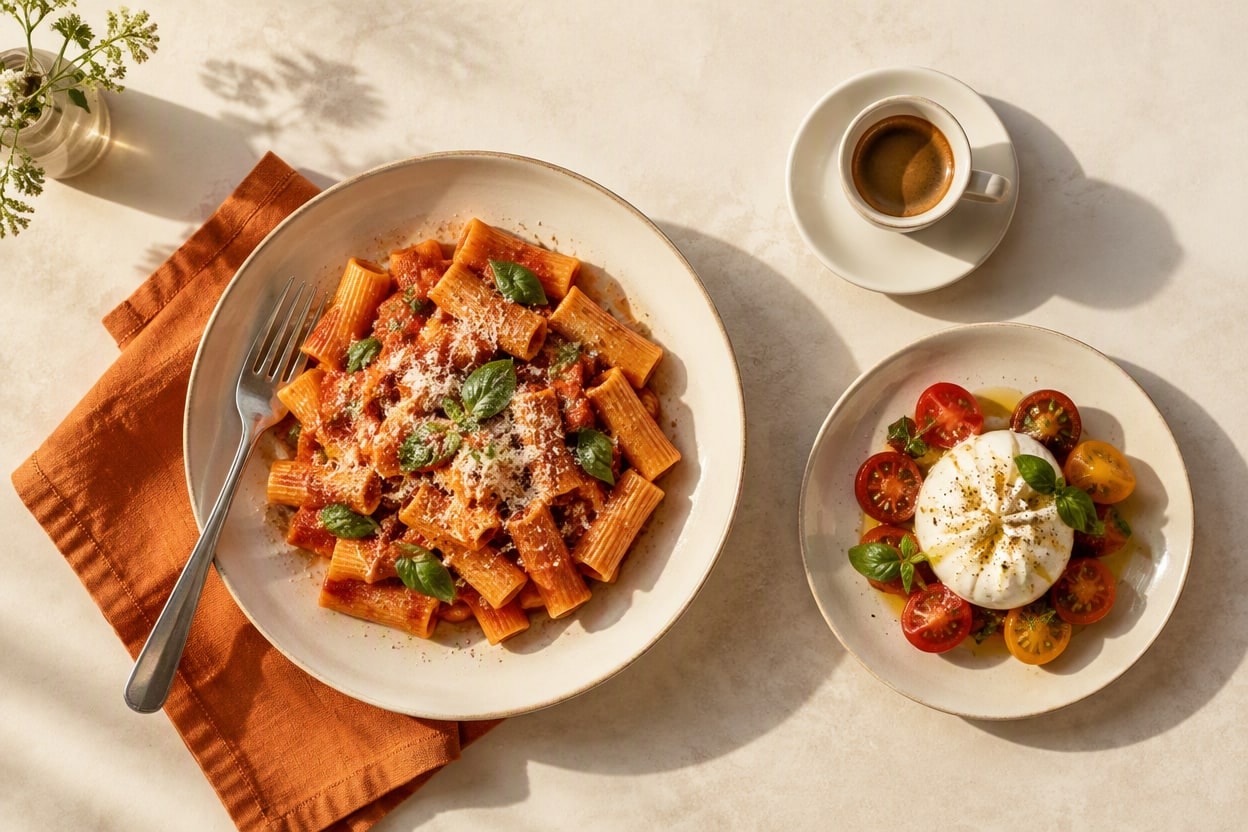
Growth
For venues that want a steady flow of fresh photos, reels, and ready-to-publish content all month.
- 120 photos / mo.
- 12 reels / mo.
- Resolution up to 4K
- Your digital QR menu in 24 languages
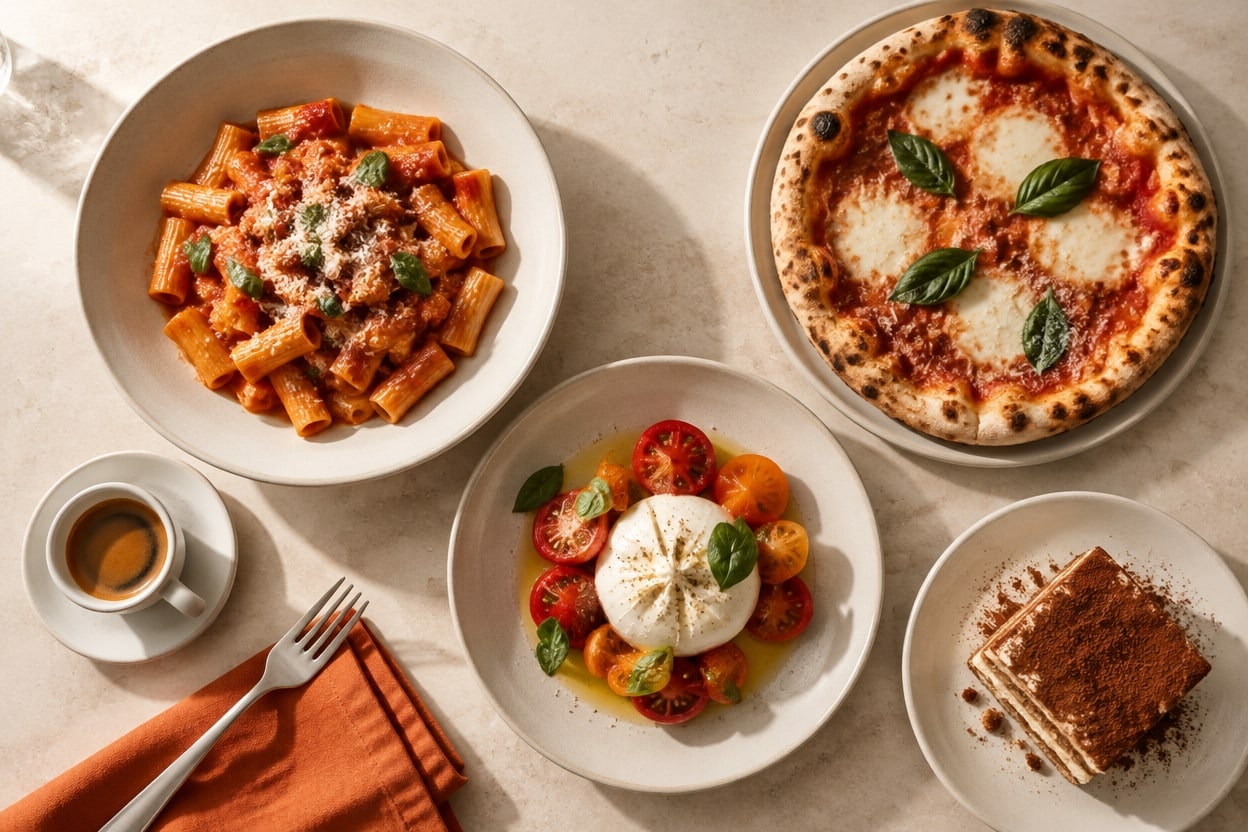
Pro
For brands, hotels, and restaurant chains with an extensive menu and seasonal campaigns.
- 300 photos / mo.
- 36 reels / mo.
- Resolution up to 4K
- Your digital QR menu in 24 languages
- Priority support
Everything restaurants ask before signing up
Specific answers to the questions we hear most from restaurants, cafés and food trucks.
Will guests feel misled? Does the AI alter the dish?
AI can alter details of the dish. Some styles add props around the plate. Compare the result with your original photo before publishing.
How much does it cost?
Plans from $29.99 per month (Starter - dish photos, posts, QR menu) up to $199.99 per month (Pro - photos, reels, AI voiceover, branding, delivery-platform export). No annual lock-in, cancel any time from inside the app. Full pricing with monthly limits is in the "Pricing" section above.
What's actually included in the subscription?
Studio-quality dish photos, short video reels for Instagram, TikTok, Reels and Shorts with music, an AI voiceover in 14 voices and 7 languages and on-screen captions, a digital QR menu with PDF export, and ready-made formats for Just Eat, Deliveroo, and Uber Eats. Set your logo and brand colors once, then apply them with a single toggle. Everything in one app - browser and phone.
How fast will I have a photo ready to post?
A single dish photo: 1 to 3 minutes from your phone snap. A photo session (4 angles of the same dish plus a collage): 8 to 14 minutes. A reel with music, voiceover and captions: 3 to 7 minutes depending on the template (slow dish reveal, dish commercial spot, close-ups with a finale).
Do the photos look like a typical "AI render"?
The result depends on the photo you start from and the style you pick. The before-and-after gallery shows originals next to finished photos. Your first photo is free, so you can check the effect on your own dish before you choose a plan. Always check the details before you post.
Is a phone enough, or do I need a pro camera?
A phone is enough. Kitchen lights, a warm restaurant table, slight color cast - that's the daily reality RestoPhoto handles. No photographer, no tripod, no softbox, no Photoshop. iPhone, Samsung Galaxy, any modern phone with a camera - works.
Can I add my logo, brand colors and a voiceover in my language?
Yes. Upload your logo and color once in the "Branding" panel, then add them to any photo, reel or menu with a single toggle - no re-uploading. You set the logo position (9-zone grid) and opacity. Growth and Pro plans also include AI voiceover in 7 languages (PL, EN, DE, ES, FR, IT, UK) and text overlays on reels.
Are photos sized for Just Eat, Deliveroo, and Uber Eats?
Yes. We generate the exact aspect ratios required by Just Eat, Deliveroo, and Uber Eats (4:3 / 1:1 / 9:16), without black bars and without cropping the dish in the wrong place. Every delivery app wants slightly different dimensions - RestoPhoto crops for each one separately, so you never count pixels in Photoshop or guess where the app will trim the thumbnail.
Do I own the generated photos? Can I use them in ads?
Use them without restrictions: menus, printed flyers, websites, Meta and Google ads, billboards, print-ready exports. No licensing fees, no watermarks, no permission needed - we claim no rights to the material generated from your photos.
What if I don't like the result?
Generate it again. Each generation gives a different variant (different background, camera angle, scene mood); in manual mode you pick the exact mood, angle and style. Used generations reset at the start of every month; if you run low on a busy month, you can buy top-up credits (one-time, no auto-renewal). Cancel the subscription from inside the app whenever you want.
I run an agency or several venues. How does that work?
Keep every venue on one account and switch between them in one click. The account has one plan and one shared monthly quota that grows with every venue you pay for, while each venue keeps its own history, its own logo and its own usage counter. You pay per venue, on one invoice. On top of that come the agency tools: the whole menu at once, an approval link where your client accepts photos and captions without creating an account, and a monthly report with a gallery you forward to the owner in one link.