
Sushi photos from a phone
RestoPhoto turns a phone photo of your sushi into a shot that belongs at an omakase counter, in styles such as Black lacquer or On crushed ice. The fish and the rice stay yours; the light, the background and the framing come from the style.
You get five sushi styles, from Ash-glaze ceramic to Tokyo noir sushi bar. One phone photo of a platter gives you four shots, and the macro brings the texture of the fish up close.
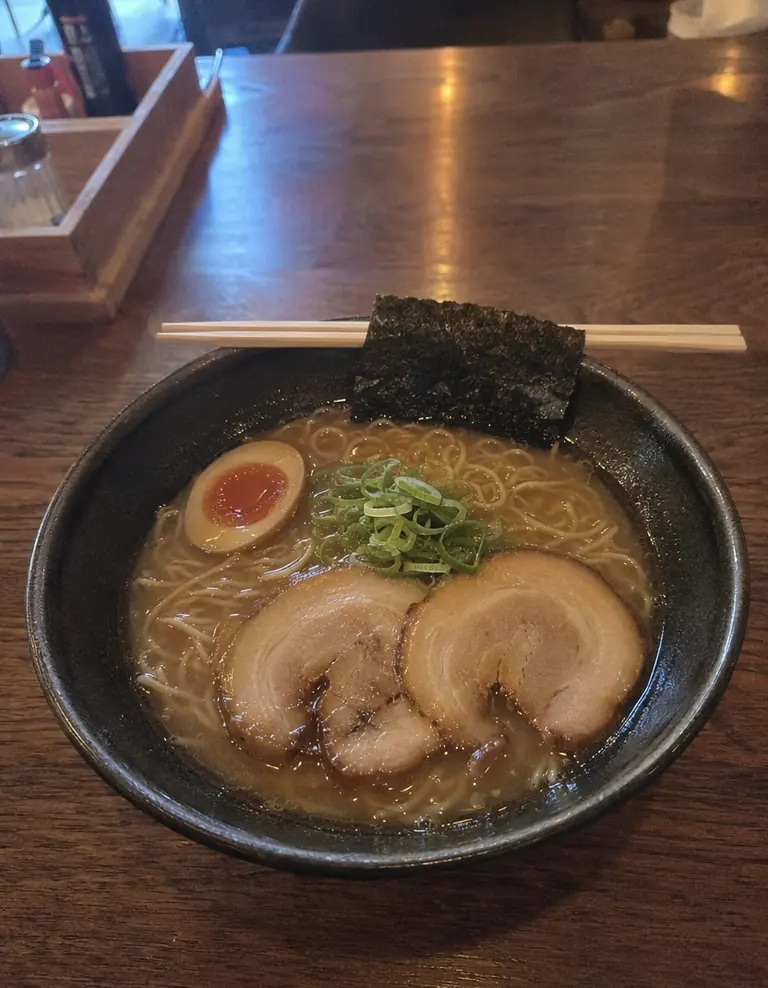
Phone photo
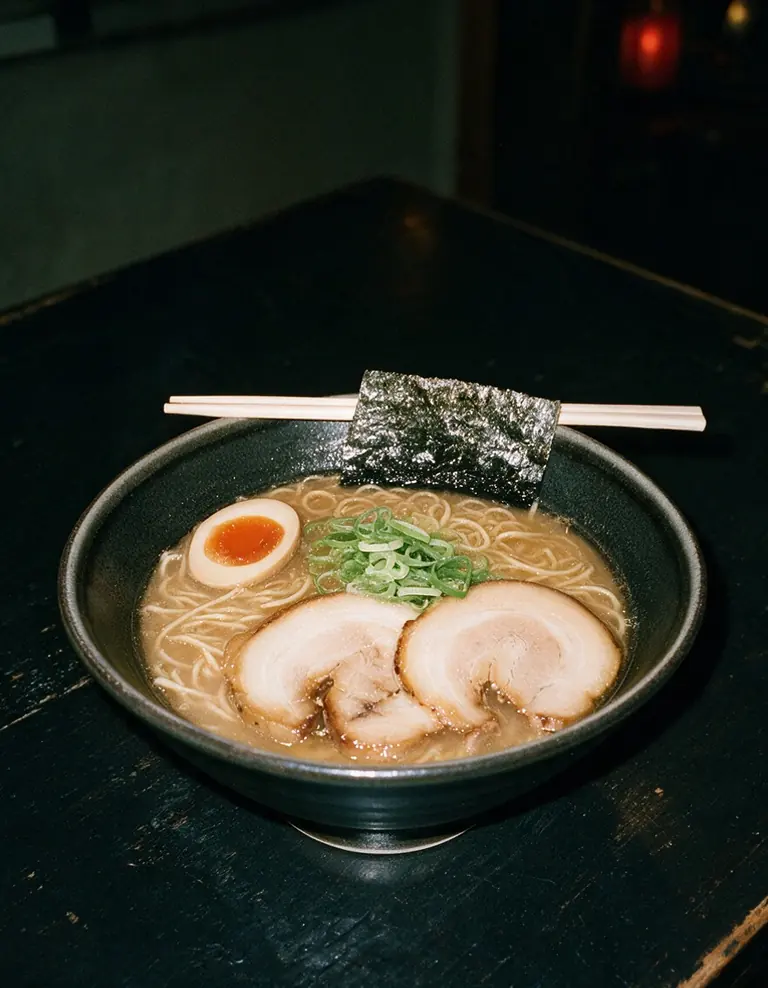
After RestoPhoto
Key facts
- Ready styles
- Ash-glaze ceramic
- Black lacquer
- Omakase hinoki counter
- Tokyo noir sushi bar
- On crushed ice
- From one photo
- Five images: four shots of the dish (hero, top-down, top-down detail, macro) and a free collage
- Time
- 1 to 3 minutes per photo
- Delivery apps
- Export presets for 10 platforms, including Uber Eats, DoorDash, Deliveroo and Just Eat
- Resolution
- Up to 2K on Starter, up to 4K on Growth and Pro
- Where it runs
- In the browser, on iPhone and on Android
Questions and answers
Which styles does RestoPhoto have for sushi?
Five: Ash-glaze ceramic, Black lacquer, Omakase hinoki counter, Tokyo noir sushi bar and On crushed ice.
Can I use the photos on Uber Eats and Deliveroo?
Yes. When you export, you pick the platform and RestoPhoto saves the photo in its size and aspect ratio.
Your first photo is free
Upload a phone photo of one dish and see the finished shot before you choose a plan. No card needed.