
Burger photos from a phone
RestoPhoto turns a phone photo of your burger into a shot that looks like part of an ad campaign, in styles such as Stack noir or Hard light. The burger stays yours; the light, the background and the framing change.
A burger sells from the side, where every layer shows. The Clean studio style gives it a bright, plain background that sits well in delivery apps next to fries and drinks.
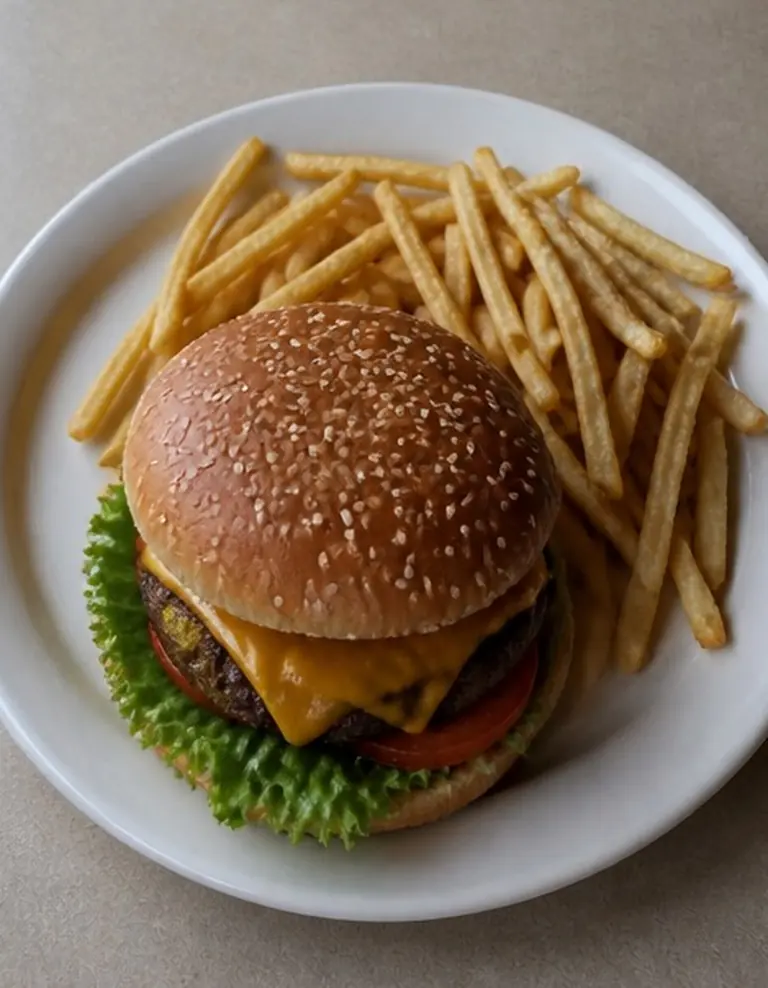
Phone photo
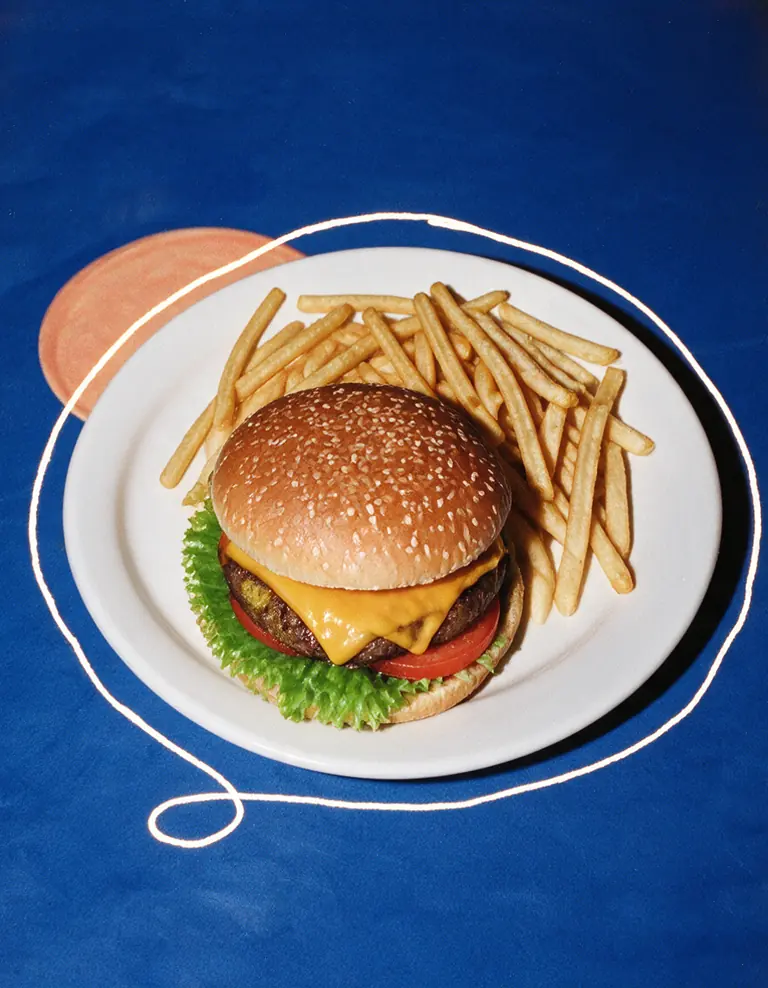
After RestoPhoto
Key facts
- Ready styles
- Stack noir
- Hard light
- Clean studio
- From one photo
- Five images: four shots of the dish (hero, top-down, top-down detail, macro) and a free collage
- Time
- 1 to 3 minutes per photo
- Delivery apps
- Export presets for 10 platforms, including Uber Eats, DoorDash, Deliveroo and Just Eat
- Resolution
- Up to 2K on Starter, up to 4K on Growth and Pro
- Where it runs
- In the browser, on iPhone and on Android
Questions and answers
What angle works best for a burger photo?
From the side, level with the bun, so the patty, the cheese and the vegetables show. Skip the top-down view for a tall dish.
Will the photo fit Uber Eats and DoorDash?
Yes. When you export, you pick the platform and RestoPhoto saves the photo in its format.
Your first photo is free
Upload a phone photo of one dish and see the finished shot before you choose a plan. No card needed.