
Coffee photos from a phone
RestoPhoto turns a phone photo of your coffee into a shot made for a café's profile, in styles such as Latte art from above or Oak counter morning. The drink stays yours; the light and the background come from the style.
Iced coffee needs light from behind so the layers show, and the Iced, backlit layers style does exactly that. For espresso there is Espresso noir.
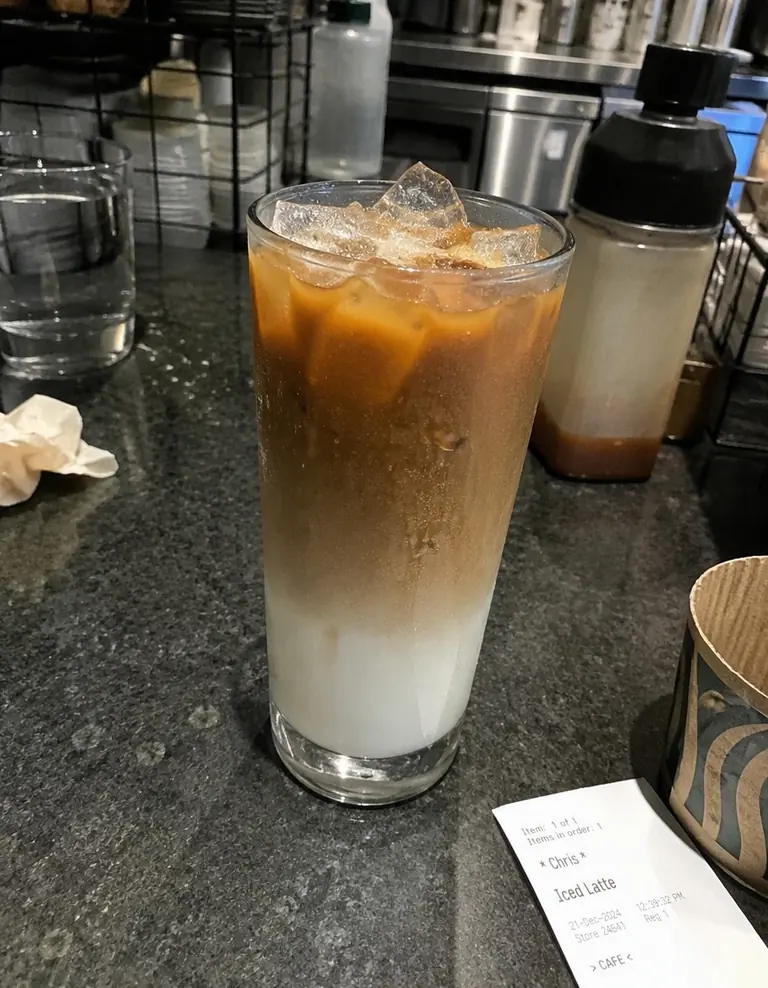
Phone photo
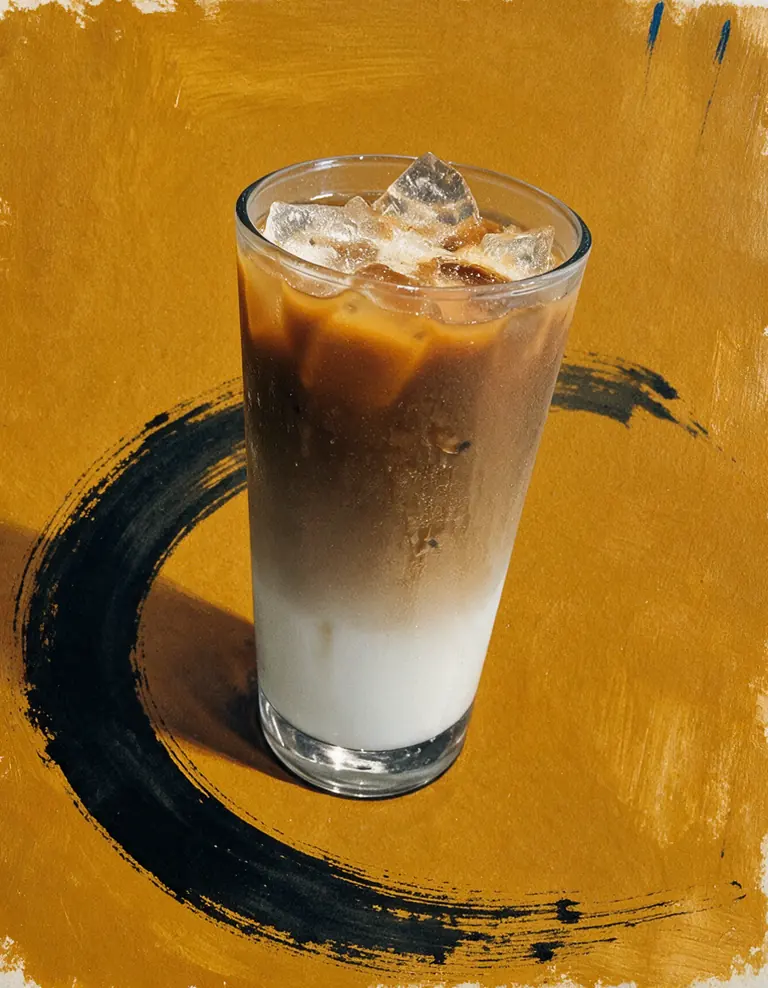
After RestoPhoto
Key facts
- Ready styles
- Latte art from above
- Oak counter morning
- Espresso noir
- Iced, backlit layers
- Coffee crema studio
- From one photo
- Five images: four shots of the dish (hero, top-down, top-down detail, macro) and a free collage
- Time
- 1 to 3 minutes per photo
- Delivery apps
- Export presets for 10 platforms, including Uber Eats, DoorDash, Deliveroo and Just Eat
- Resolution
- Up to 2K on Starter, up to 4K on Growth and Pro
- Where it runs
- In the browser, on iPhone and on Android
Questions and answers
How do I photograph latte art on a phone?
From above, with the cup in the middle of the frame, right after pouring. The Latte art from above style gives even light without glare.
Is RestoPhoto a good fit for a café?
Yes. You get five coffee styles, and one phone photo becomes four shots plus a collage for your posts.
Your first photo is free
Upload a phone photo of one dish and see the finished shot before you choose a plan. No card needed.