
RestoPhoto vs FoodieLens
RestoPhoto gives a phone photo of your dish new light, a new background and new framing, while FoodieLens puts filters and effects on the photo you already have. A filter can fix the colour, but it cannot move the plate out of a cluttered kitchen.
A phone shot taken at the pass usually comes with a busy background and flat light. RestoPhoto keeps your dish and builds the scene around it from a ready style, so the photo works on your profile and in delivery apps.
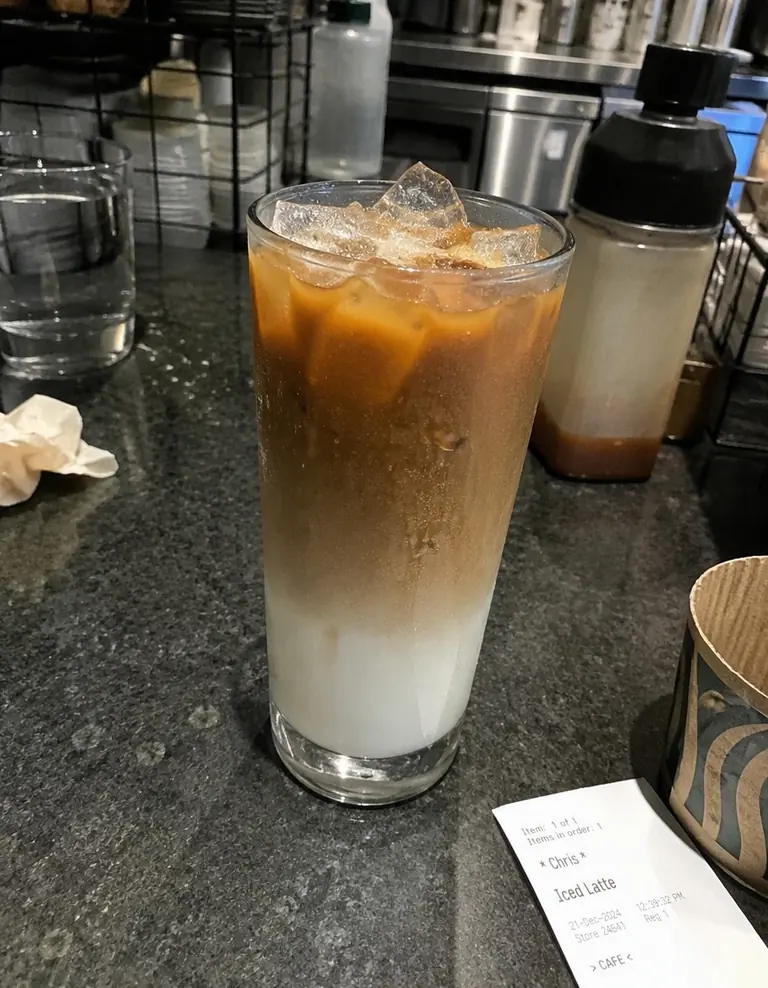
Phone photo
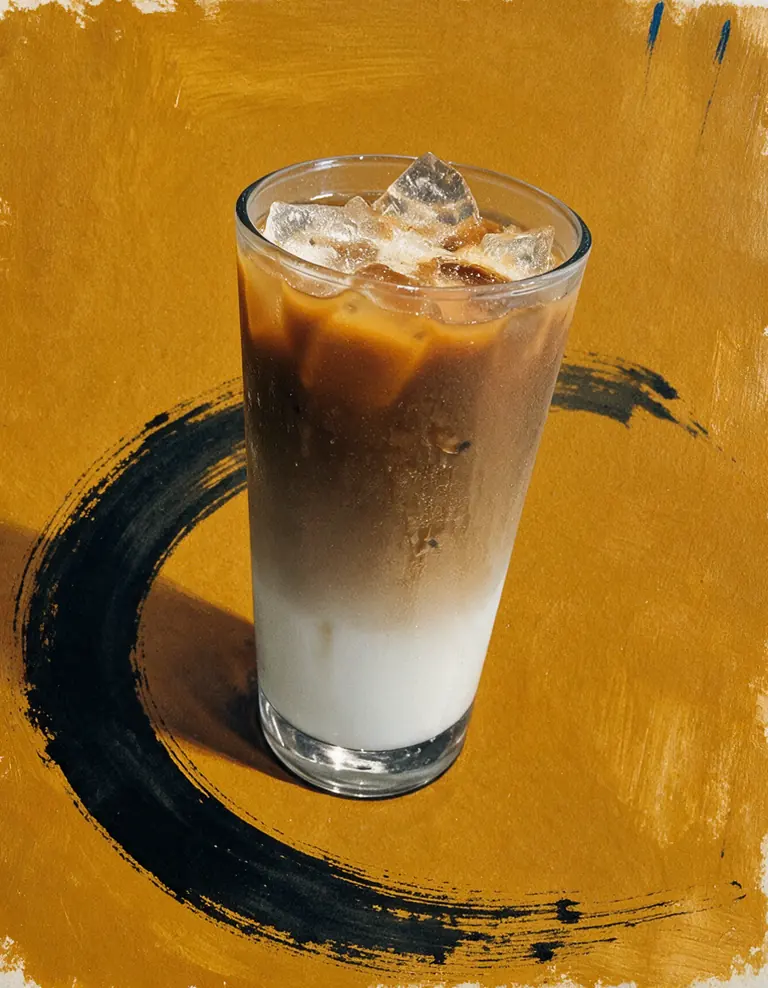
After RestoPhoto
The facts side by side
| Compared | RestoPhoto | FoodieLens |
|---|---|---|
| What it is | AI that turns a phone photo into a studio-grade shot | A photo editor with about 90 filters and 50 effects |
| Light and background | New light and background from a ready style | Filters and editing tools on your existing photo |
| Ads | No ads | The App Store listing says it contains ads; removing them costs $5.99 |
| Styles by cuisine | Over 100 ready styles, grouped by cuisine | Not in the app description |
| Delivery app formats | Presets for 10 platforms | Not in the app description |
| QR menu | On Growth and Pro | Not in the app description |
Data on FoodieLens comes from the FoodieLens App Store listing, as of 26 November 2026.
Questions and answers
How is RestoPhoto different from a filter app?
A filter changes the colours of the photo you already have. RestoPhoto keeps your dish and gives it new light, a new background and new framing, so one phone photo becomes several shots for your posts.
Does RestoPhoto show ads?
No. You pay for photos through a plan or a pack, and the app shows no ads.
Can I try it before I pay?
Yes. Your first photo is free and needs no card, in the browser or in the iPhone and Android app.
Your first photo is free
Upload a phone photo of one dish and see the finished shot before you choose a plan. No card needed.